Silverlight 4.0 Tutorial (7 of N): Visual States
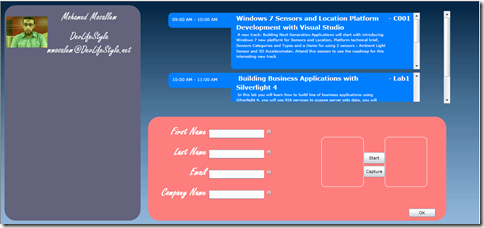
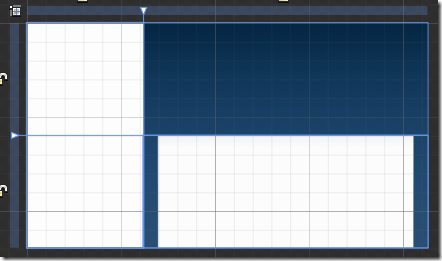
Read Previous Posts: Part1 , Part2 , Part3 , Part4 , Part5 , Part6 Continuing our registration booth application, i did some changes to the application UI, here’s how the application look like right now - As you can see i removed the navigation features in the application, we will keep it as a one simple xaml page, i also changed some colors (excuse my poor color picking skills). - After looking at the UI i think that the agenda is not taking enough space, the lower DataForm is taking more space while this DataForm is needed only when someone wants to register, the focus of the default UI should be the agenda and the registered attendees, so we need to make the DataForm invisible and show it on demand, this is pretty easy to do, first i will add a button to view/hide the DataForm. - I will add a new column to the LayoutRoot grid and put the button inside this column, i will also add a simple rotate transform for this button - The button should look like this - Fi...